AI Product Photography: What It Is, What It Can Do and Where It Falls Short
AI product photography means generating new product images from a photo you already have, using software instead of a physical studio setup. You upload one clear photo of your product, choose the kind of image you want, and the tool produces fresh images of that product in a new scene, in a new colour or worn by a model. ShootPX offers this for online sellers through four tools, and this guide explains what the approach is good at, what it cannot do, and how to decide whether it fits your catalog.
By ShootPX Team · Updated
What AI product photography actually is
A traditional product shoot needs a product, a camera, lights, a background and someone who knows how to use them together. AI product photography keeps only the first item. The camera step is replaced by a photo you take yourself, often on a phone, and the studio step is replaced by a generation tool that builds the surrounding image.
The important word is generate. The tool does not simply cut your product out and paste it on a colour. It creates a new image in which your product appears, which is why the same photo can become a clean listing image, a styled lifestyle scene or a shot of someone wearing the item.
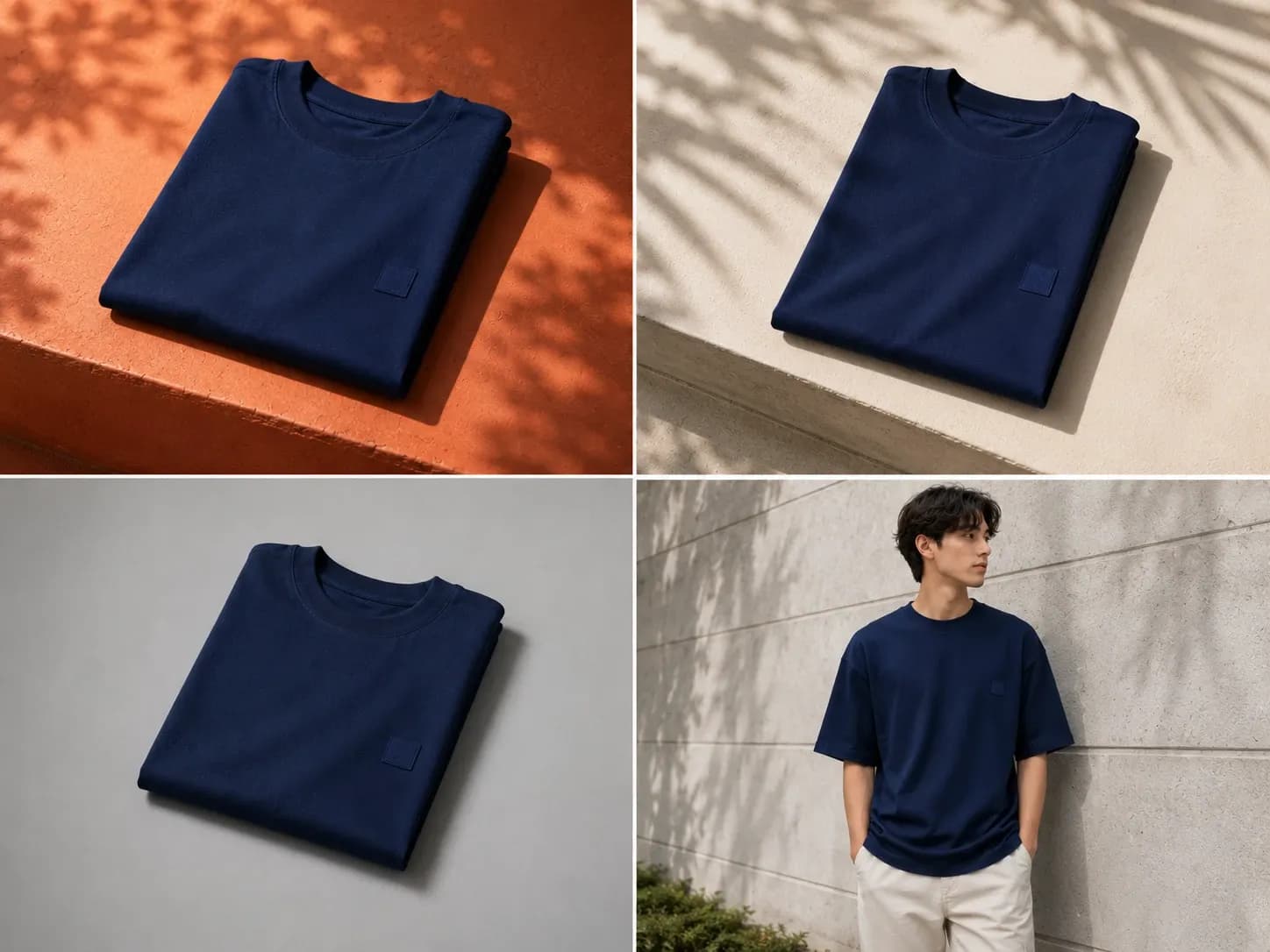
That also means the output is only as trustworthy as your review. You still decide whether the generated image represents what a buyer will receive, and later sections cover how to check that.
What it can do well
- Give a phone photo a cleaner, more polished look for a listing.
- Place the same product in different scenes, so a catalog is not a wall of identical backgrounds.
- Show a product in other colours when you have only photographed one.
- Put a garment on a model without arranging models, travel or a location.
- Let you try several ideas cheaply before you commit to one direction.
These are all jobs where a seller previously had two options: pay for a shoot or live with a rough photo. Generation adds a third option that costs credits rather than a booking.
What it cannot do
Be clear about the limits before you build a catalog on it. AI image generation can change fine details: the shape of a clasp, the weave of a fabric, small printed text on packaging or the exact shade of a colour. A generated image is a picture of something that looks like your product, and it is your job to confirm it is close enough to the real thing.
- It cannot fix a product photo where the item is blurred, cropped or badly lit. Start from a clear photo.
- It cannot guarantee that logos, labels and small text come out exactly as printed.
- It cannot replace the physical product. Buyers will still judge you on what arrives, so a generated image must not promise anything the item does not deliver.
- It does not remove the need to read each marketplace's current image guidelines. Those rules apply to whatever you upload, however the image was made.
Who it suits
It suits sellers who have products but not a studio: home-based sellers, small brands, resellers and anyone adding new items faster than they can arrange a shoot. It is especially handy when one product needs many images, because each image costs credits rather than a separate booking.
It suits you less if a listing depends on showing exact texture, fit or craftsmanship that a buyer will scrutinise up close, or if you are building a flagship brand campaign with a fixed creative direction. In those cases a photographer's real photos, perhaps supported by generated images for secondary slots, is the safer plan.
How ShootPX works
ShootPX is a web app. You sign in, open a tool from the studio and upload your product photo. Uploads can be PNG, JPEG or WebP files, each up to 10 MB. You choose settings, generate, review the results, and download the ones you want.
- Take a clear photo of the product on a phone or camera.
- Open the tool that matches the image you need.
- Set the options that tool offers, such as scene description, aspect ratio, resolution or colour.
- Check the credit cost shown before you generate, then generate.
- Review the results, download what you will use, or send images on to another tool.
There are four live tools, and each answers a different question:
- Listing Photoshoot: a listing-ready image of your product, with a scene you describe.
- Creative Photoshoot: a lifestyle or concept scene, chosen from ideas or written in your own words.
- Recolor: the same product in a colour you pick.
- Model Shoot: a garment or accessory on an AI-generated model that you choose or create.
Only one generation runs at a time on your account, so a long batch finishes before the next starts.
How credits work
ShootPX charges credits per generation. For the photoshoot tools the cost depends on the quality and resolution you choose and how many images you ask for, and for Model Shoot it depends on resolution and output count. The studio shows the cost before you press Generate, so you can lower a setting if the number is higher than you want to spend. Rewriting your prompt with Enhance prompt is free. Current plans and credit packs are listed in the pricing section of the home page.
Getting better results from your starting photo
The generated image inherits everything the input gives it. A sharp, evenly lit photo with the whole product in frame and a plain background gives the tool the most accurate information about shape and colour. If you are unsure how to take that photo, the guide on shooting product photos with a phone covers it step by step.
For products that need several angles, such as a garment with a distinctive back, upload more than one photo where the tool allows it, and describe the scene you want in plain words rather than in technical jargon.
Frequently asked questions
Do I need a professional photo to start?
No. A clear, well-lit phone photo of the whole product is enough to start. A sharper input gives the tool more accurate detail to work with.
Will the generated image match my real product exactly?
Not always. Generated images can shift fine details such as small text, patterns or exact shade. Compare each result with the real item before you publish it.
Which file types can I upload to ShootPX?
PNG, JPEG and WebP, up to 10 MB per file.
Can I use AI images on marketplace listings?
Each marketplace publishes its own image guidelines. Check the current rules for the marketplace you sell on before you upload.